Object pin
Go to a destination.
A folder, deep link, or saved piece of content.
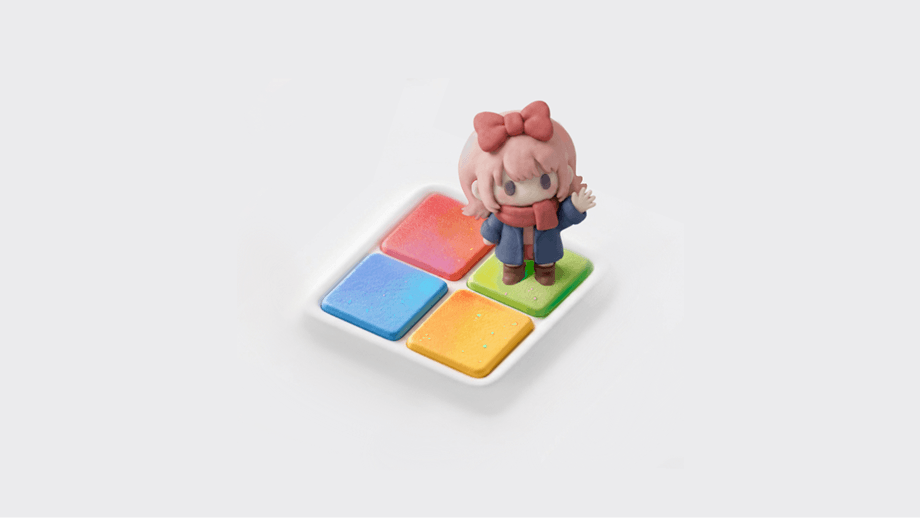
Context
Modern browsers and operating systems are trying to become the user's main workspace. Because the interface that holds more of a person's work context can forecast intents and bring moments of delight.

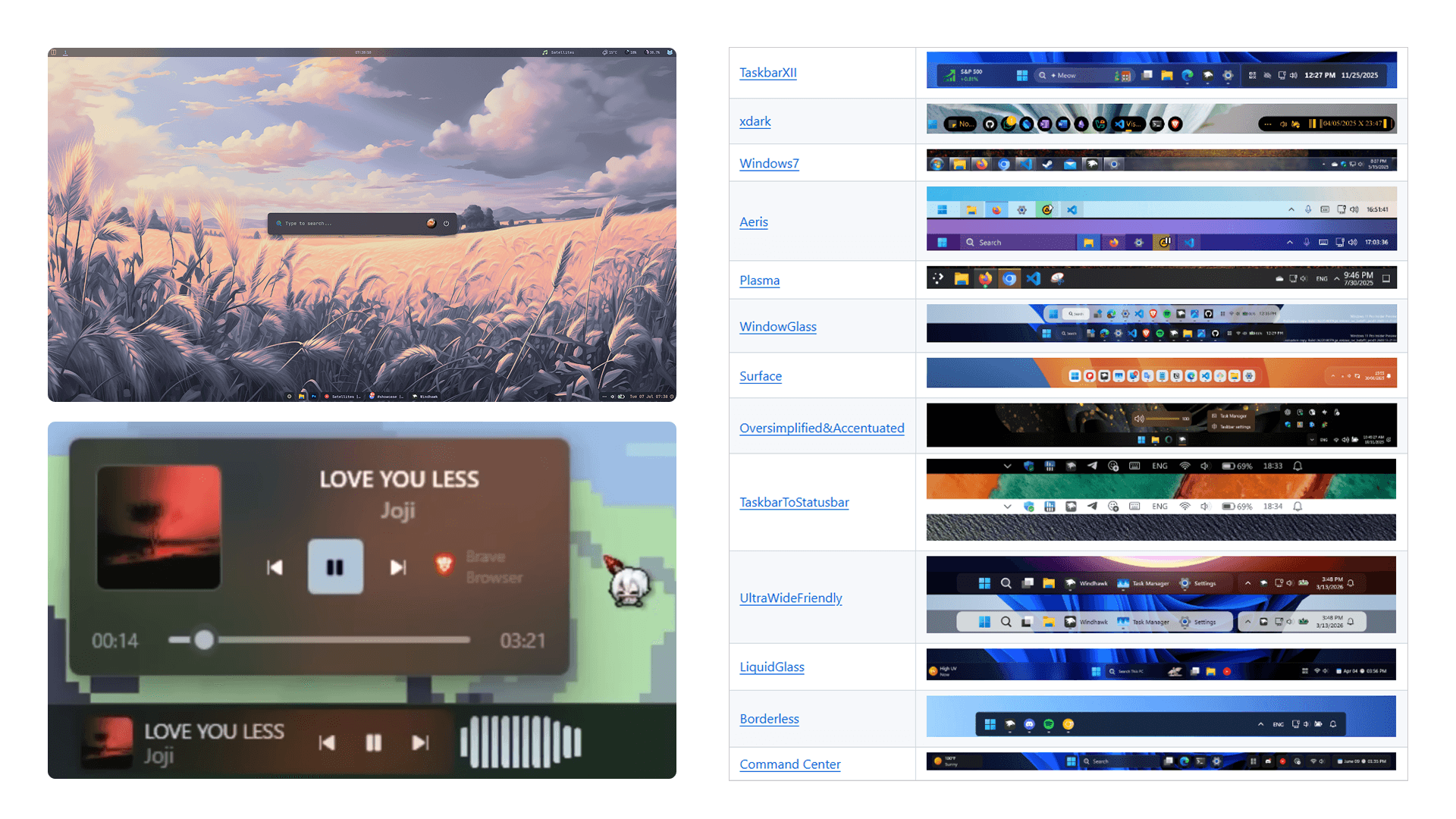
Therefore, personalization is not just aesthetic but strategic. Over the summer, I interned at the Core Shell team and focused on Taskbar, which is a very personal space for 1.6 billion Windows users.
Problem
Today, our workflows are fragmented across apps, browsers, and File Explorer, forcing us to constantly switch contexts just to get work done. We search, we navigate, we create bookmark graveyards that we never revisit.
Pain points
Out of sight, out of mindContents are buried behind secondary surfaces and apps.
Unreliable retrievalSearch and navigation are inconsistent and unpredictable.
Context lostFolders and file windows are closed after restarts.
Research
In modern browsers and browser-based tools like Figma, tab groups, pinning, and color-coding help users communicate semantic relationships to the system.
Dia takes this further by taking actions within a tab group. The browser can brings in more relevant tabs and help users make sense of these tabs.
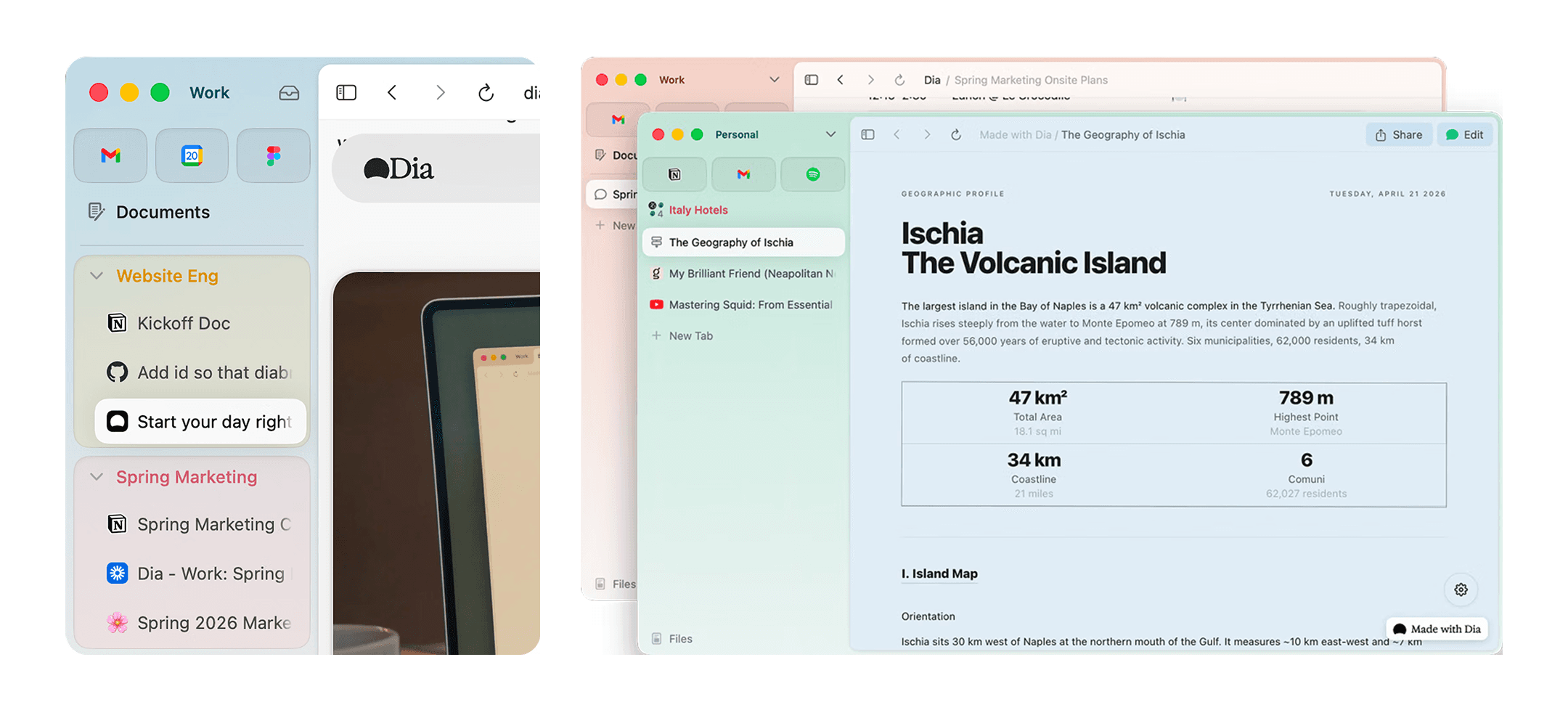
Browsers are becoming context-aware, while the taskbar is still largely application-aware. What if the operating system could afford users to communicate these relationships too?
iOS Widgets keep a to-do list or Duolingo streak one interaction away. Their limited real estate forces prioritization, which is part of their value.
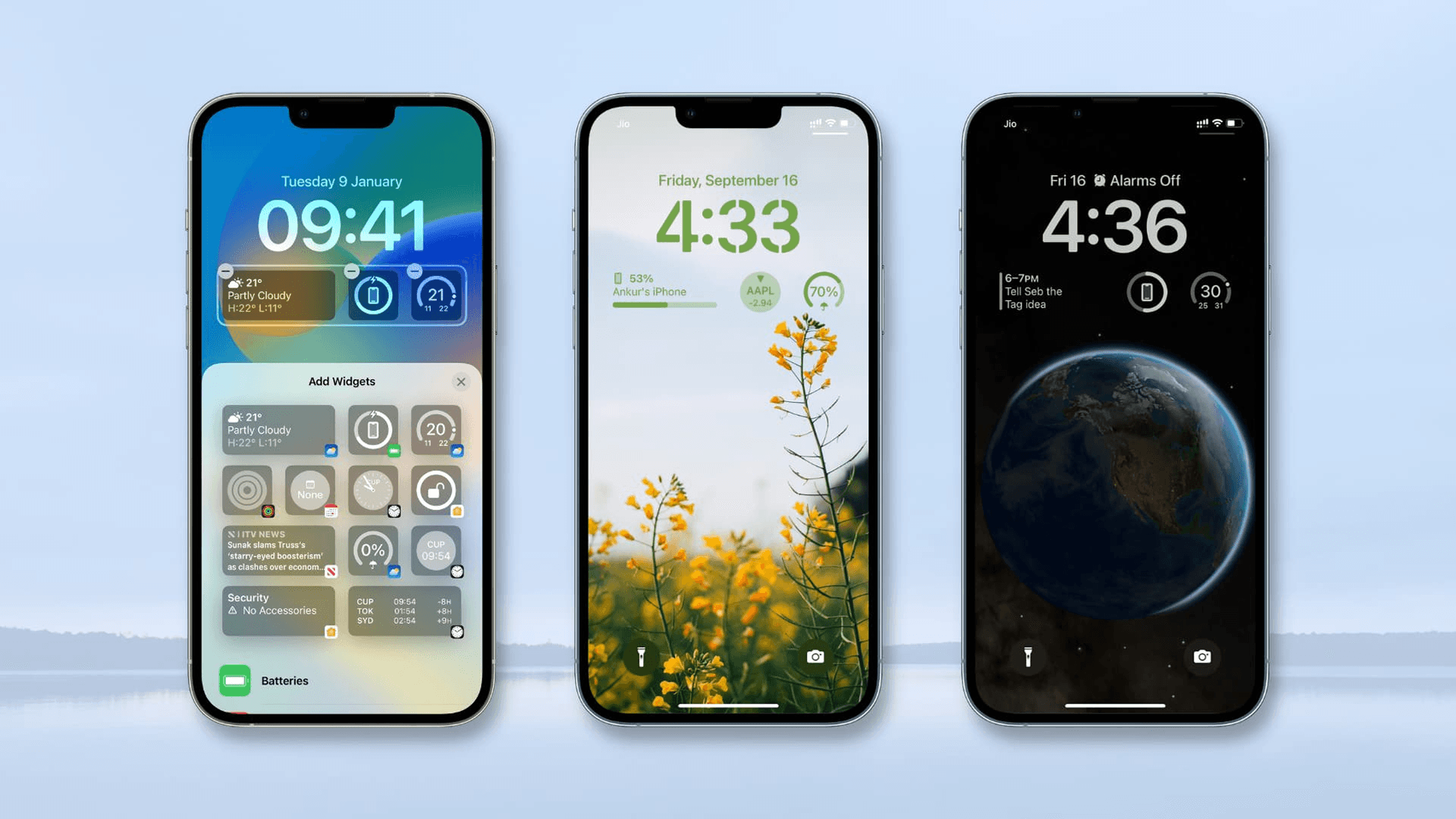

Raycast has been the solution to scattered context for power users. It's fast and powerful, but it relies on recall: people need to remember the shortcut and the capability.
On the other hand, taskbar pins are recognition-based, which is more intuitive for everyday users.
Third-party macOS tools like Cooldock, Supaste, and Stash unlock more real estate while keeping the gesture simple and memorizable.
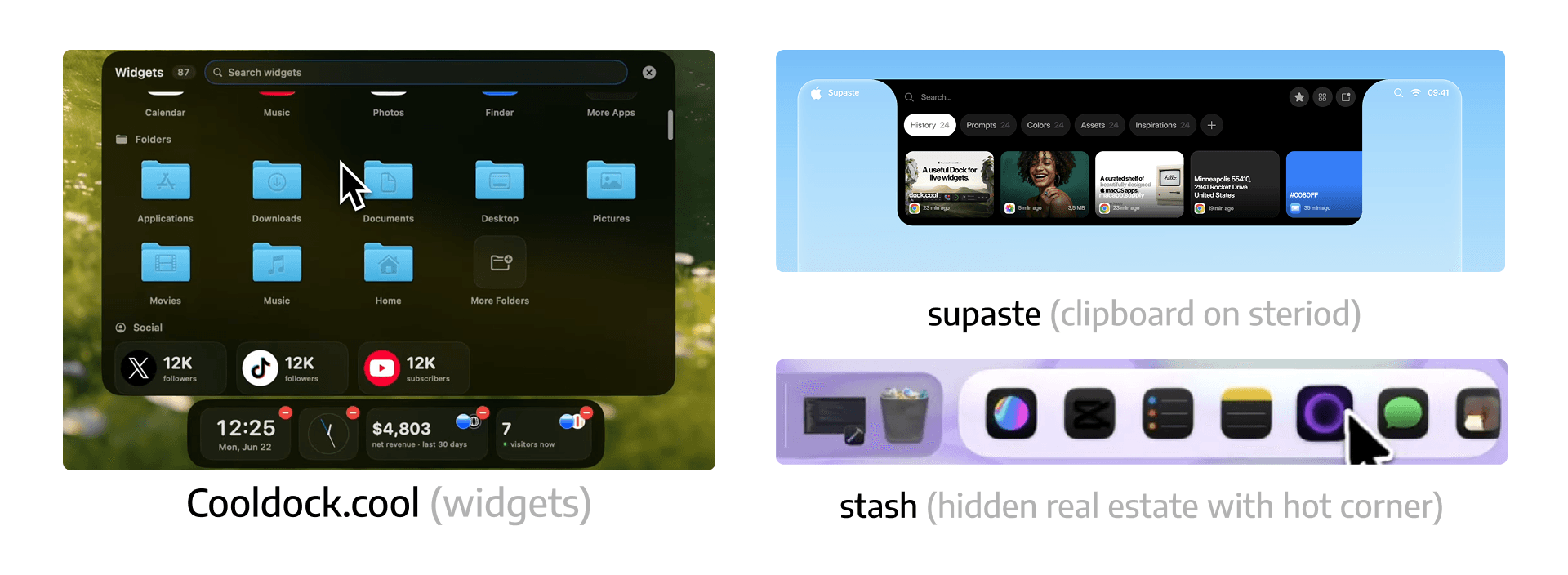
Shoutout to Kaiyo Fan for recommending these niche tools—he's a power user for everything!
When designing for an operating system, the opportunity is to turn power-user niche habits into simple, accessible capability for a broader audience.
Solution
What if we can pin shell objects or actions that are more granular and closer to user intent?
Clarity first, magic second.
My PM mentor, Richie, encouraged me to start with the roots: the things that genuinely improve people's lives. The magical layer can come later.
The goal here is to give cross-functional partners a shared mental model and language, leaving room for future AI and agentic experiences.
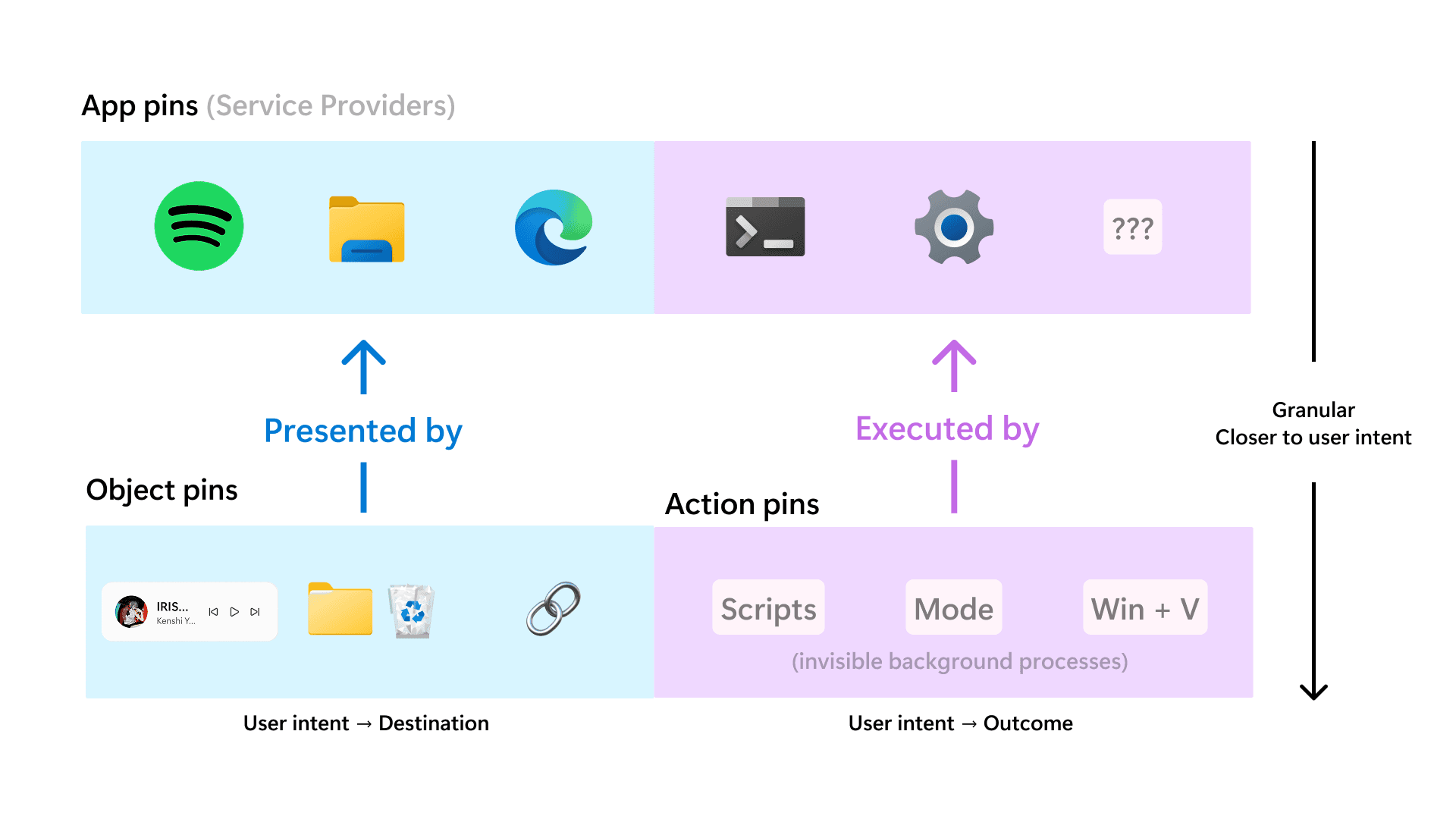
Object pin
A folder, deep link, or saved piece of content.
Action pin
A reusable way to initiate something people want done.
Scenarios
To launch a focus session, I'd open a browser, search for Lo-fi music, encounter YouTube recommendations that knows me too well, and lose the original intention.
With link pins, I can skip the distraction and stay in the flow by launching exactly what I need.
Work shouldn't feel like a scavenger hunt. The goal is to give time back to people so they can focus on what matters.
What if I can pin an article section anchor, image, or a product card? Rather than hunting down the information I need from a generic destination, this taskbar pin scroll to the exact position.
If my coworker ask me to send a file, I need to open the File Explorer, hunt for it, and manage the windows, which can be time-consuming.
What if I can search within the pinned folder and drag-and-drag the file?
Private exploration
Enter the password to view this interaction.
With flexibility comes chaos. Multiple YouTube links with the same icon are difficult to recognize confidently. Users should never feel hesitant if they're clicking on the right taskbar pin.
Here is a simple customization UI to help users differentiate homogeneous links based on their intentions and mental models.
Side quest
I also vibe-coded a small question: what if you could drag a colleague onto the taskbar, then drag a file onto their face to share it?
Learnings
All four of my projects began with ambiguous briefs and unfamiliar problem spaces. Through curiosity, resilience, and proactive relationship building, I developed my own judgement.
Vibe coding helped me learn the problem space and build momentum, but early drafts were often AI slop. A documentation system shared by a former intern helped me track bugs and be more intentional with the next move.
However, at the second half of the project, I found sketching and mentor feedback more helpful than AI to make decisions and refine my ideas.
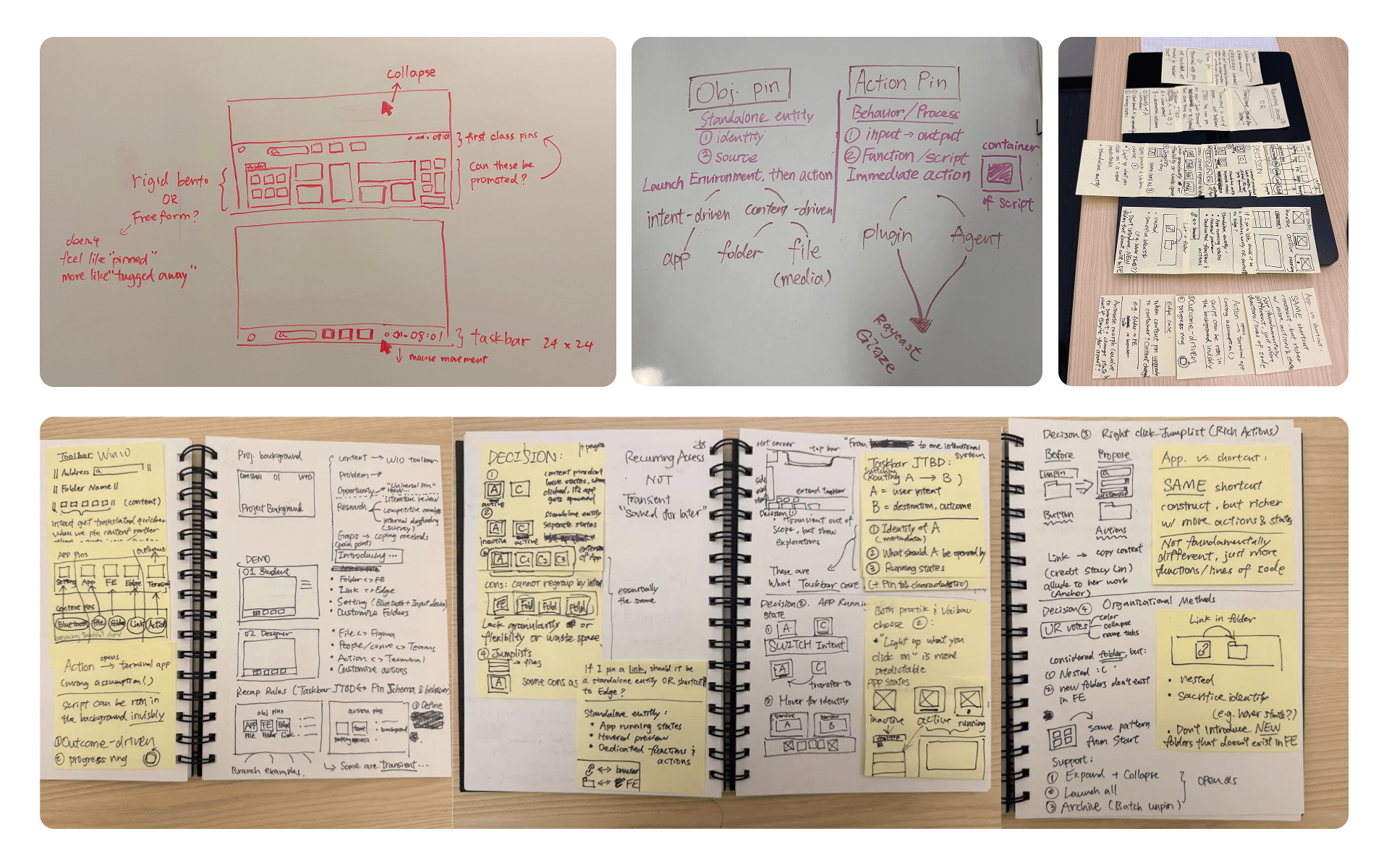
I learned the importance of exploring multiple directions before committing to one. Team critiques and manager feedback helped me recognize that I was refining ideas too early.
Since then, I have become more intentional about generating alternatives, communicating tradeoffs, and using prototypes to drive discussion rather than validate a predetermined solution.
Strong ideas can lose impact if the narrative is overly technical or convoluted. I became more deliberate about simplifying complex information, translating technical concepts into user-centered stories, and focusing on the key message so diverse audiences can understand and act on it.